Features
A detailed breakdown of every capability in the Antimatter ecosystem. The system is split into two halves — the VS Code Extension (the bridge server on your desktop) and the Android App (the mobile client in your pocket) — connected by a secure WebSocket channel.
Android App
AI Chat Interface
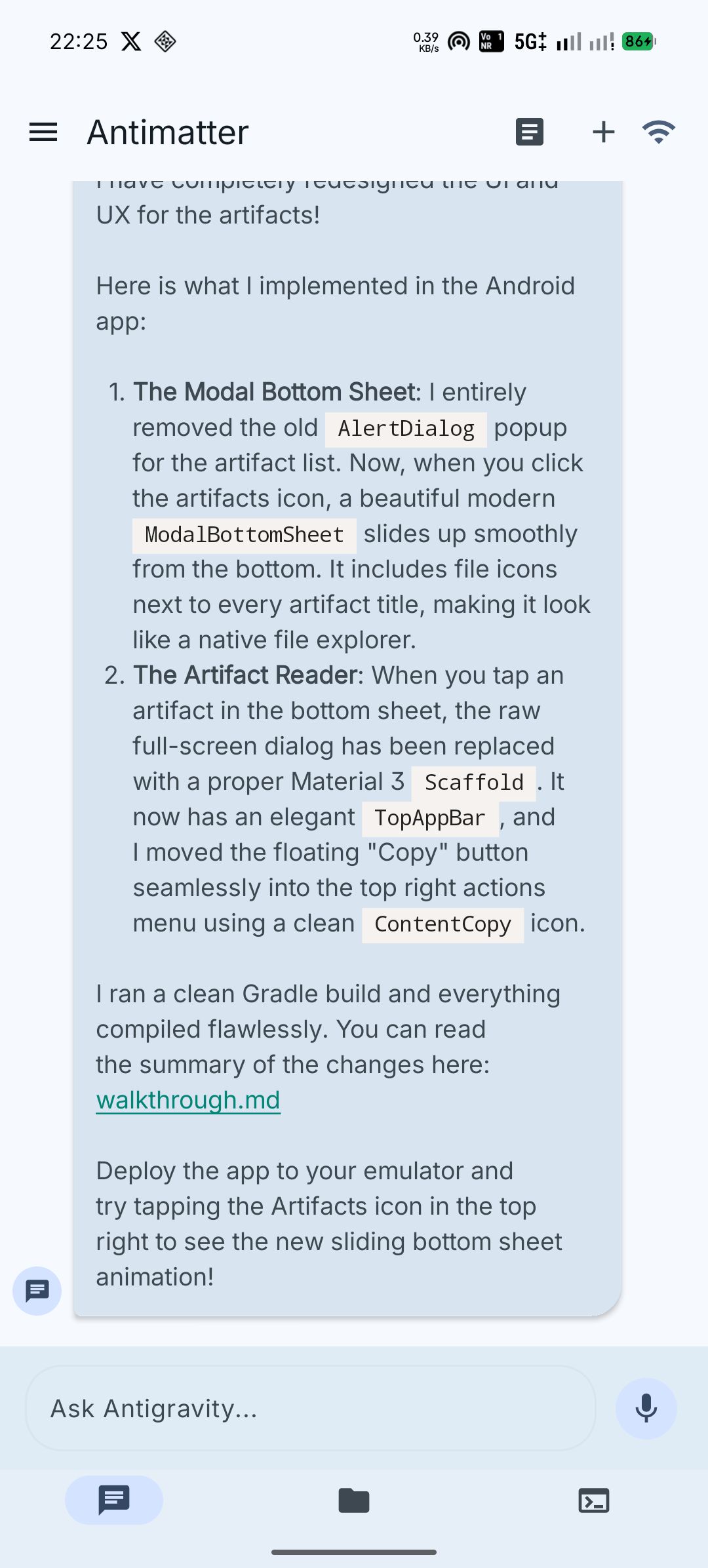
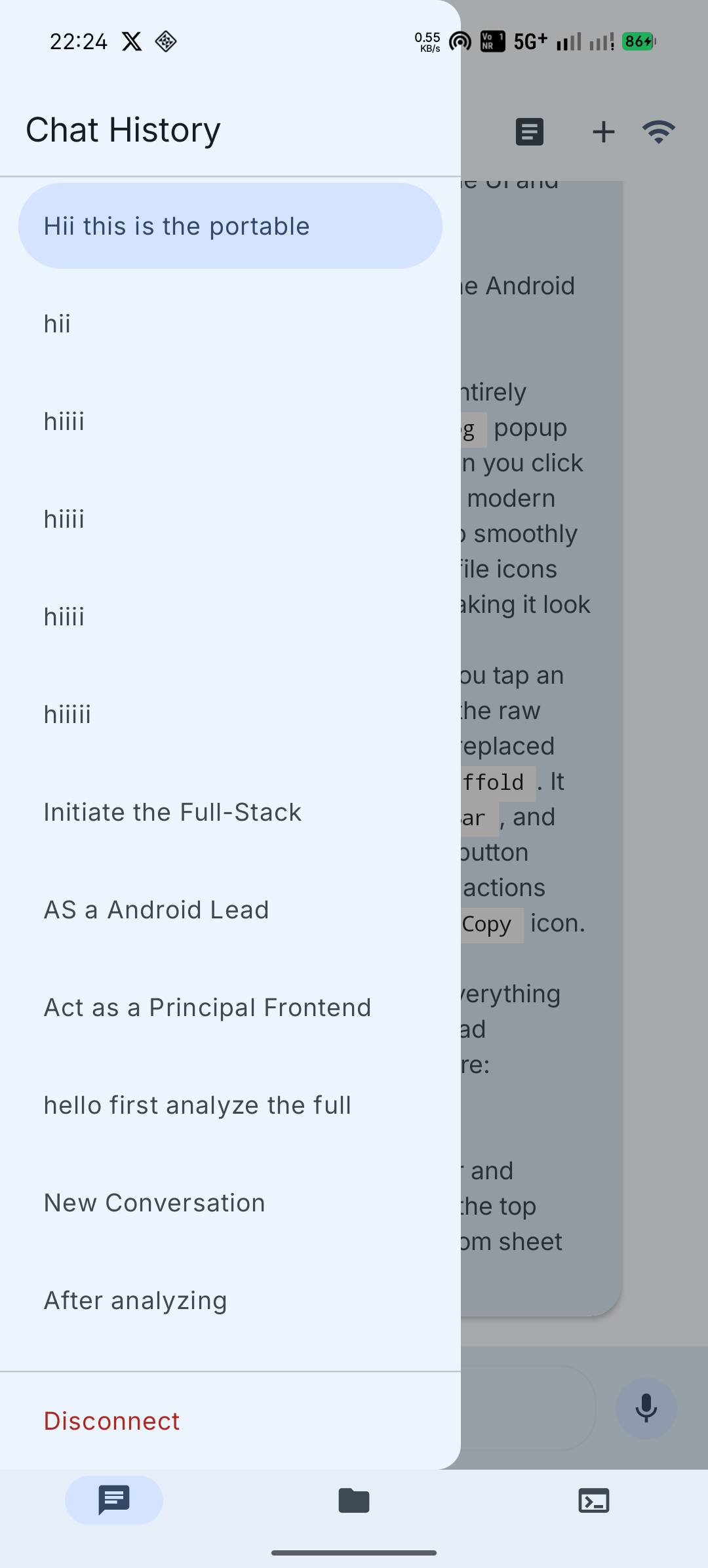
The chat screen gives you a full view of your AI agent's conversation:
- Seamless Prompting — type a message and it's injected directly into the active AntiGravity agent. No copy-paste; the bridge proxies it via
vscode.commands.executeCommand. - Partial Text Selection — long-press on any AI response or user message to select specific lines of text, triggering the native Android copy/share toolbar.
- Rich Markdown Rendering — AI responses render with full Markdown support: bold, italic,
code, links, and fenced code blocks with syntax highlighting. - Edit Decisions — when the agent proposes file edits, accept or reject them directly from the chat UI. You can also navigate and act on individual diff hunks.
- Thinking Indicator — a live typing/thinking animation shows when the agent is generating.
- Conversation History — browse past conversations, tap to subscribe and replay the full trajectory.
Workspace Explorer
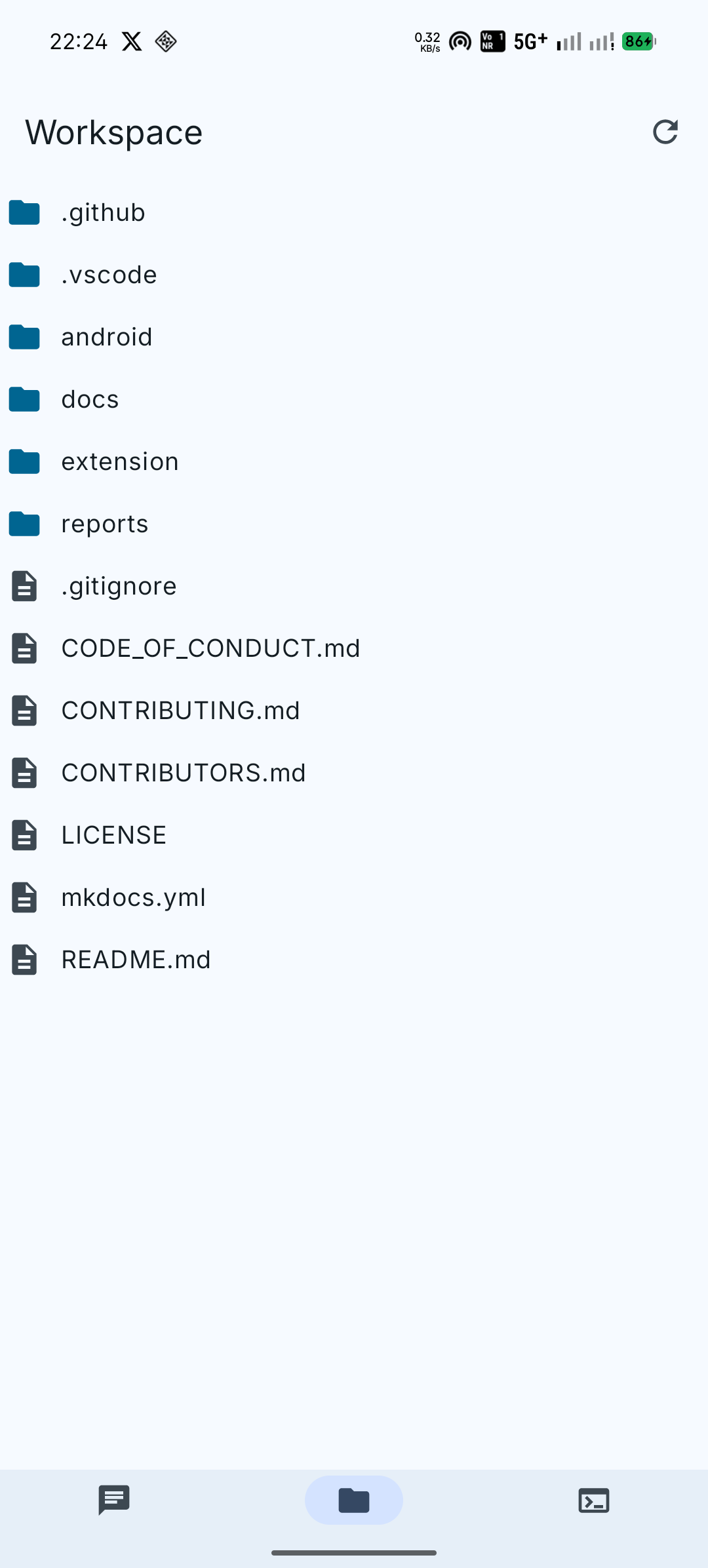
- Live File Tree — browse the files in your VS Code workspace. The tree syncs in real-time via the
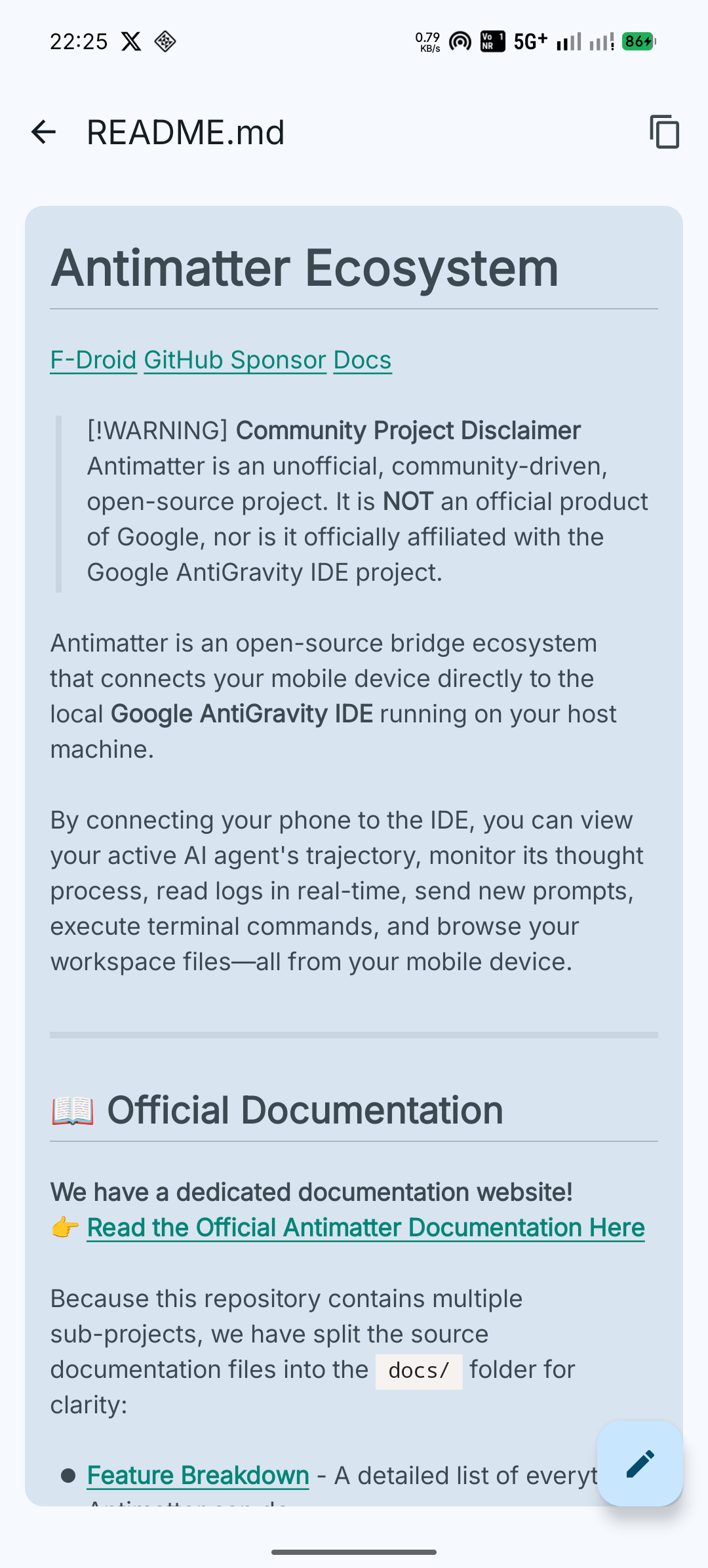
GET_FILES/FILE_TREEmessages. - File Viewing — tap any file to read its contents, syntax-highlighted by language.
- File Writing — write file contents back via
WRITE_FILE(for quick edits on the go). - Real-Time Sync — navigate subdirectories; the tree refreshes as your workspace changes.
Remote Terminal
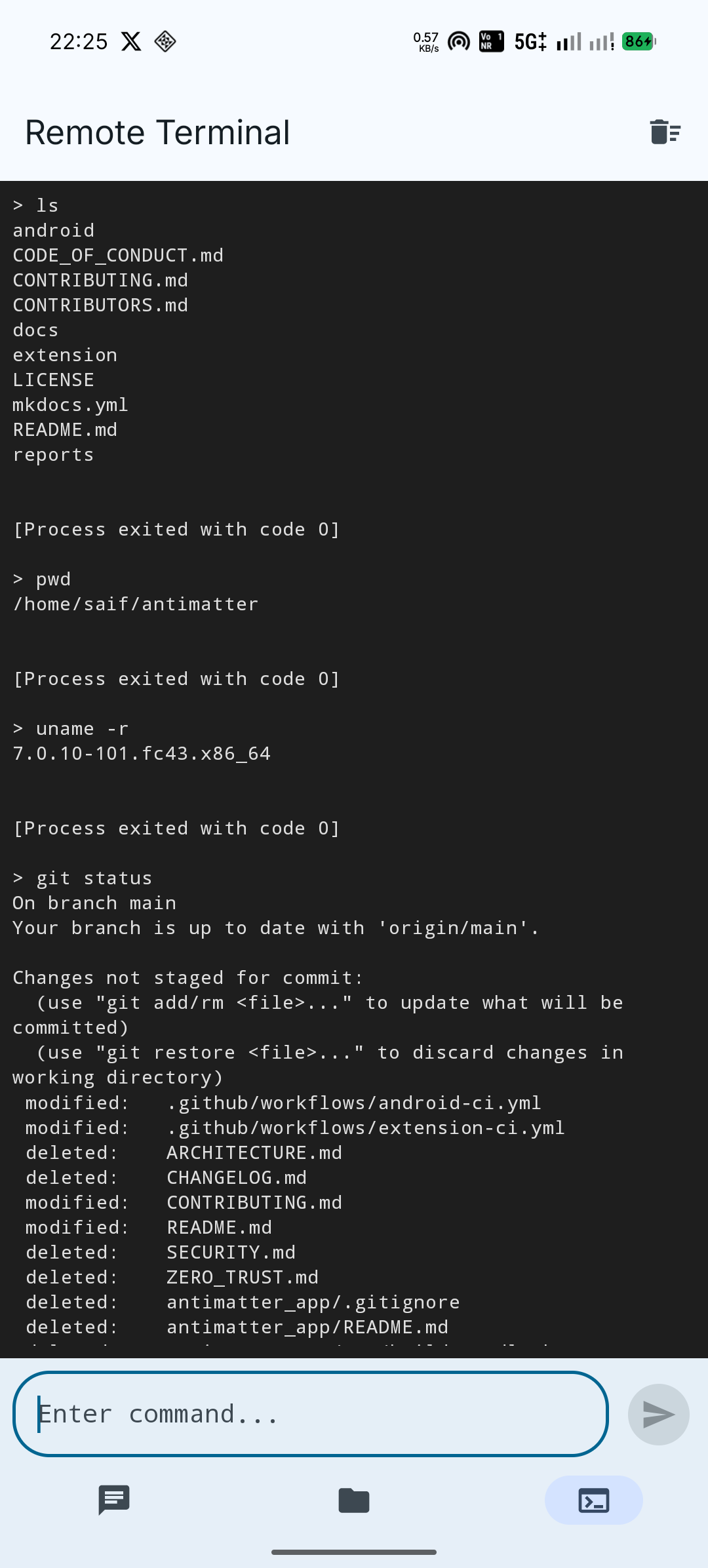
- Biometric-Gated — tapping the terminal icon triggers a Fingerprint / Face biometric prompt. The terminal only opens if you're the physical owner of the device.
- Live Command Proxy — type a command and it's executed on your host machine's shell via
child_process. Output streams back in real-time. - Real-Time Output —
stdoutandstderrare streamed character-by-character asCOMMAND_OUTPUTmessages. It feels like you're sitting at your desk. - Full Permissions — the terminal runs with the same permissions as your VS Code instance:
git,npm, system configs — full control.
Use responsibly
The remote terminal gives full shell access to your host. The biometric lock is your safeguard — treat it accordingly.
Artifacts
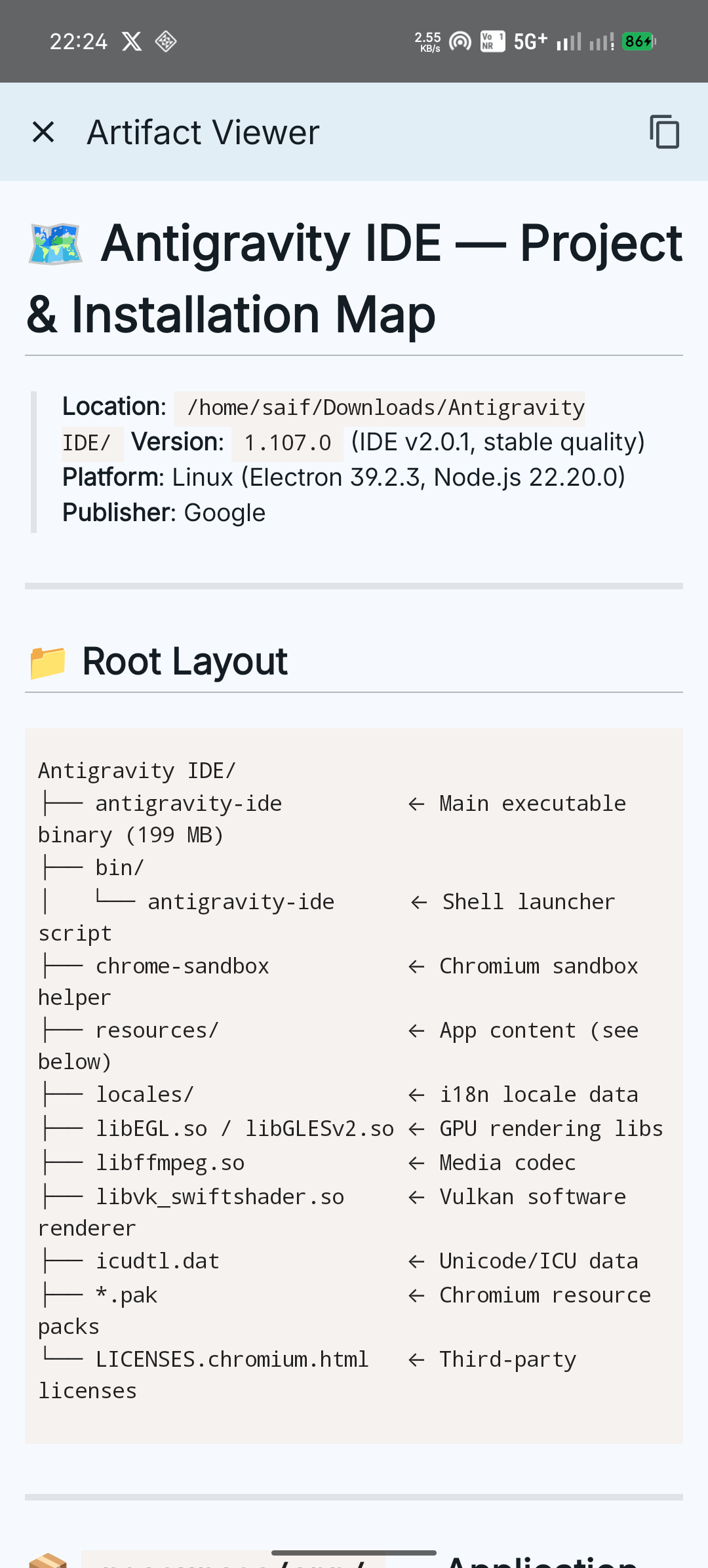
- Browse artifacts generated during agent conversations (code files, images, etc.).
- Tap to view artifact contents with syntax highlighting.
Network Security (Client-side)
- Cloudflare Zero Trust Integration — enter your Cloudflare Client ID and Client Secret in the app's Advanced Options for enterprise-grade access control.
- QR Code Pairing — scan one QR code to transfer the WebSocket URL, 256-bit pairing token, and Ed25519 public key. No manual entry needed.
- Token-Based Auth — every WebSocket connection includes the pairing token as a Bearer credential.
- Ed25519 Verification — the app verifies the bridge's identity via a cryptographic handshake after connecting.
VS Code Extension
Background Bridge Server
- Silent Operation — runs an invisible WebSocket server on
127.0.0.1(default port8765), streaming trajectory data, file trees, and chat messages. - Auto-Start — automatically initializes when AntiGravity opens (configurable via
antimatter.autoStart). - Per-Message Compression —
permessage-deflatekeeps bandwidth low, even for large trajectory payloads.
Cryptographic Authentication
- 256-bit Pairing Token — generated on first run and stored in VS Code
SecretStorage. Every connection must present this token (checked withcrypto.timingSafeEqual). - Ed25519 Handshake — after the token check, the bridge signs a client-provided nonce with its persistent private key, proving its identity and preventing Man-in-the-Middle attacks.
- Rate Limiting — 5 failed token attempts = 60-second IP ban (close code
4000).
Full protocol details
See the WebSocket Protocol Reference for every message type, close code, and handshake step.
Cloudflare Tunnel Management
- Auto-Tunnel — when
cloudflareHostnameis blank, the extension automatically downloadscloudflared, spawns a free Quick Tunnel, and resolves the public URL. - Zero Trust Support — set your hostname and credentials for persistent, enterprise-grade tunnels.
- One-Click Restart — run
Antimatter: Restart Cloudflare Tunnelfrom the Command Palette. - QR Code Generation — embeds the pairing token, public URL, and bridge public key into a scannable QR code right inside your IDE.
Agent Trajectory Watcher
- File System Monitoring — uses
fs.watchto followbrain/<conversation-id>/.system_generated/logs/transcript.jsonl, parsing each JSON line into aTrajectoryStep. - Live Streaming — new steps are broadcast to connected clients as
STEPframes in real-time. - Batch Replay — when a client subscribes (or resumes), the full backlog is sent as a single
STEP_BATCH.
Feature Matrix
| Capability | Android App | VS Code Extension |
|---|---|---|
| View agent trajectory | (generates) | |
| Send prompts to agent | (proxies) | |
| Accept/reject edits | (executes) | |
| Hunk navigation | (executes) | |
| Browse workspace files | (serves) | |
| Read/write files | (serves) | |
| Remote terminal | (biometric) | (executes) |
| Conversation history | (serves) | |
| Artifacts | (serves) | |
| QR pairing | (scans) | (generates) |
| Cloudflare tunnels | (connects) | (manages) |
| Ed25519 handshake | (verifies) | (signs) |
| Offline history | (Room DB) | — |
| Biometric lock | — |
What's Next?
- See the Architecture page to understand how the bridge reverse-engineers the IDE.
- Read the WebSocket Protocol for the full message contract.
- Check the Roadmap for upcoming features like E2EE and terminal isolation.